Snapmaker Opened Its Own Model Platform. Here's What's Actually Inside
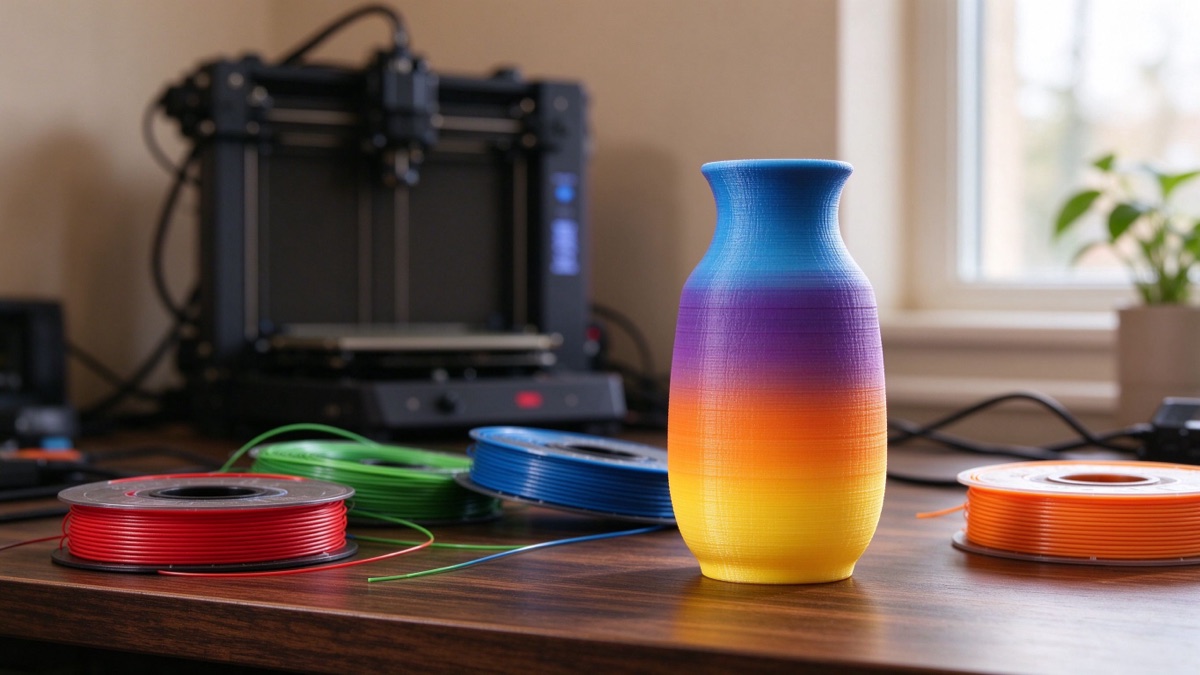
Multi-color printing is only as good as the models you have for it.
The funny thing about 3D printing in 2026 is that the printer is rarely the hard part anymore. The hard part is finding a model you actually want to make, slicing it without ruining it, and then hoping the color mapping doesn't turn into a six-hour disaster. Most of us have spent more evenings fighting model files than we ever spent assembling our machines.
Snapmaker just took a swing at that problem. On September 21, the company opened the beta of Snapmaker Space to everyone. It's a 3D model platform built from the ground up around the U1, their consumer toolchanger printer. Not another clone of Thingiverse with a logo swap, but a library where every featured model gets reviewed and test-printed before it goes live, with print profiles tuned specifically for the U1.
I spent some time digging through what they actually launched. Here's what's worth knowing before you create an account.
What Space is, and what it isn't
At launch, Space already had more than 2,500 models ready to print. You browse, pick something, send it to your printer from your phone, and hit print. No slicer wrestling, no "this profile is close but not quite right." The profile is already there, color assignments included.
You can reach it at space.snapmaker.com or inside the latest version of the Snapmaker app. Snapmaker Orca support is coming soon, which matters more than it sounds. A model platform that can't talk to your slicer is just a picture book, and the Orca integration is what turns it into a workflow.
The review process is the part that separates this from the free-for-all model sites. Snapmaker says every featured model gets reviewed and test-printed before publishing. That's a real cost for them, and it's exactly the thing that makes "hit print" actually work. The gap between "looks good in the render" and "prints clean on your machine" is where most hobbyists burn their weekends. If the platform holds that standard as the library grows, it becomes genuinely useful. If it slips, it becomes another pile of STLs with nice screenshots.
Why the U1 changes the equation
The U1 is Snapmaker's consumer toolchanger. Four tool heads that swap colors and materials mid-print. The pitch has been "Make More. Waste Less." and it's not just marketing. Toolchangers don't purge filament between color changes the way AMS-style systems do. A multi-color print on a machine with a filament buffer leaves a pile of waste for every swap. On a toolchanger, the head just switches, and the waste mostly disappears.
But a toolchanger is only as useful as the models that take advantage of it. Printing a four-color model on a single-extruder machine means printing parts and gluing them together, or painting, or accepting that "multi-color" really means "one color with a sticker." On a U1, it's one print. That's the gap Space is trying to fill, and it explains why the platform exists at all.
Multi-material is the part people tend to underestimate. A toolchanger doesn't just swap colors, it swaps materials. That means printing a TPU grip onto a rigid PLA handle in one pass, or using a soluble support material that washes away instead of tearing off and leaving scars. The color prints get the attention, but the material combos are what make a toolchanger genuinely different from a single-extruder machine with a filament buffer. Space is built around both, and the multi-material models are the ones worth watching.
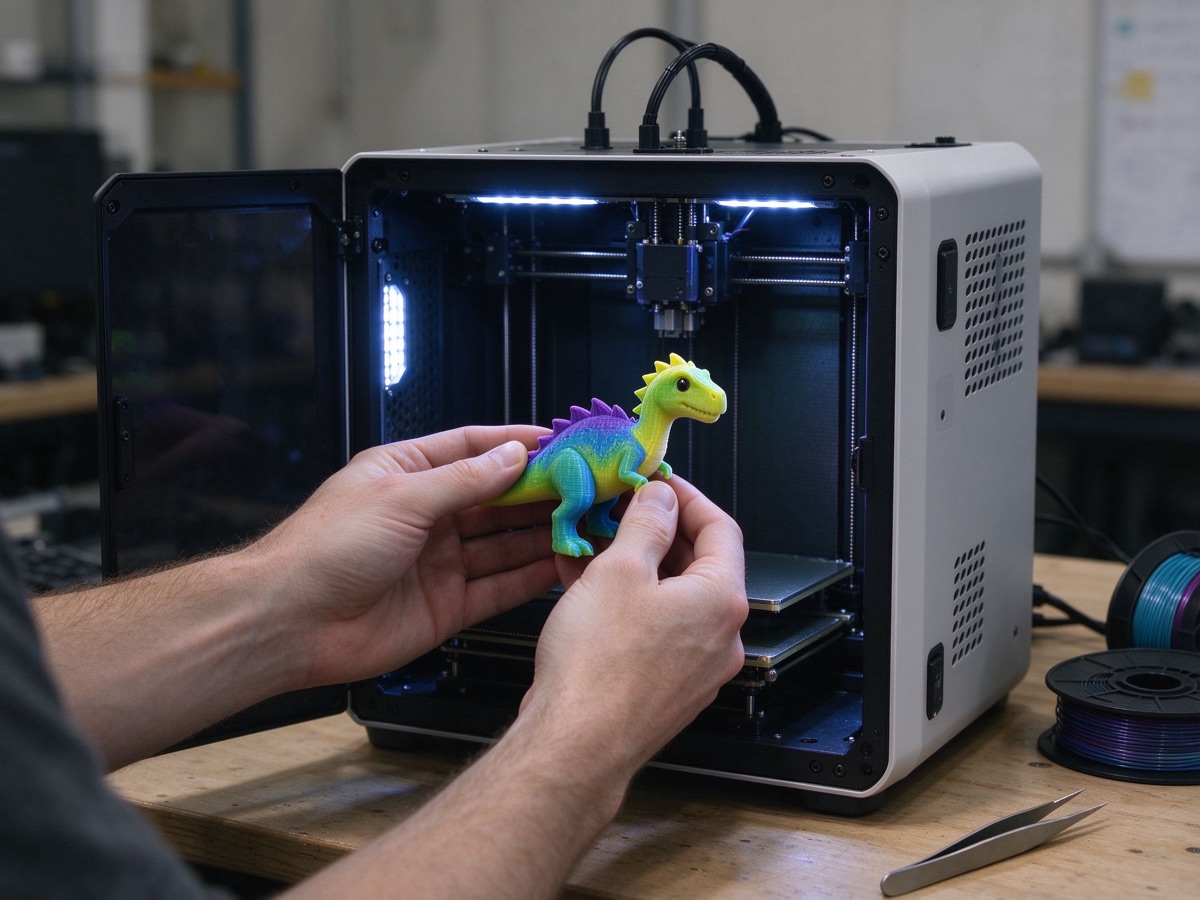
The models are tuned for the U1's four tool heads. That's the whole point.
The rewards system is the interesting part
Model platforms have a classic problem: the people who design the best models do it for free, get nothing, and eventually quit or start selling behind a paywall. Snapmaker's answer is Space Creator Rewards, and the formula is based on something a little different than downloads.
The math is Model Print Time x Number of Prints, graduated in tiers:
| Cumulative Qualifying Print Time | Model Reward Increment |
|---|---|
| First 100 hours | 20 points per 20 hours |
| Above 100 through 1,000 hours | 20 points per 25 hours |
| Above 1,000 through 5,000 hours | 20 points per 100 hours |
| Above 5,000 hours | 20 points per 200 hours |
One detail that stood out to me: incomplete prints still count toward qualifying print time. A 30-hour print that dies at hour 15 still contributes 15 hours. That's a smart touch, because anyone who has run a long multi-color print knows the failure usually comes late, not early. Counting partial prints is a small thing, but it shows they thought about how people actually use these machines.
The logic behind tying rewards to print time instead of downloads is simple. Downloads can be gamed, and a download doesn't tell you whether a model actually works. Print time reflects real use. A quick model everyone prints builds rewards through volume. A big ambitious project earns through the hours each print represents. And if a design doesn't solve a real need, users decide with their build plates. The system filters out the garbage better than any moderation team could.
The rollout was faster than it looks
Space didn't appear out of nowhere. Back in April, Snapmaker launched a small Model Library with 30 print-ready models and told the community a bigger platform was coming. In late August, they opened applications for a closed beta with more than 1,000 multi-color models already waiting. Three weeks later, the beta opened to everyone with 2,500+. That pace matters, because model libraries live or die on momentum. A platform with 30 models is a demo. A platform with 2,500 is a destination, and they got there in under six months.
There's also the software side. Snapmaker has been pushing Color Mixing with Full Spectrum Slicing in its Orca fork, which maps four physical filaments into a much wider range of output colors. It's the same trick the industry is chasing everywhere: more color, less hardware. And the launch artwork for Space credits a list of model designers by name, which is a small gesture, but it tells you where they want the community to head.
Where this fits in the bigger picture
Space isn't launching in a vacuum. The desktop market has been pivoting hard to color for about a year now. Bambu's AMS made multi-color mainstream. HeyGears raised more than $17.8 million on Kickstarter for a full-color desktop machine. Creality is pushing the K3 with its KliTek system. Every major player is betting that the "I have to try that" feeling sells printers.
Snapmaker is betting that the models are the moat. Anyone can sell you a toolchanger. The hard part is making sure you have something good to print on it, and that's where a library of reviewed, test-printed, profile-ready models becomes a real answer. It's also a smart follow-up to the company's recent moves. Snapmaker wrapped up a 1 billion RMB Series C round in August, led by Cathay Capital, so they have the runway to run a platform like this properly.
Should you bother?
If you own a U1, this is a no-brainer. It's free, and it's the difference between hunting for compatible models and actually printing. The tuned profiles alone are worth more than the $0 you're paying, and the phone-to-printer flow removes a real chunk of friction.
If you do decide to try it, the practical advice is simple: don't start with the biggest, flashiest model in the library. Pick something small with two or three colors, run it through the one-click flow once, and see how the profile behaves on your machine. The whole point of this platform is that the settings are already done, but every printer on earth has its own personality. A ten-minute calibration print tells you more than an hour of reading reviews.
If you don't own a U1, it's still worth a look if you're curious about where multi-color printing is going. You can see what designers are making with four tool heads and what actually survives a test-print process. That's a useful signal even if you never buy a Snapmaker machine.
And if you're a designer, the rewards system is worth watching. Even with the graduated points table, it's one of the few platforms that pays creators anything at all for their work. Whether the payout ends up meaningful is still an open question, but it's a better deal than the nothing most model sites offer.
The thing to keep an eye on
The model platform space has a graveyard of good intentions. Thingiverse got old and slow. Printables runs on a points system that matters to some people and nobody else. MakerWorld ended up in legal fights over model theft across platforms, with creators angry on all sides. None of them solved the core tension: creators want to get paid, users want free stuff, and the platform has to keep both sides from walking away.
Snapmaker is trying to square that circle with print-time rewards, and it's the most interesting attempt in a while. The structure makes sense on paper. Whether the points turn into real value is the part nobody can see yet. That's the number to check back on in a few months.
The bottom line
It's a beta. Things will break, the reward rates will probably get adjusted, and Snapmaker is still a hardware company learning to run a content platform. But for a market that's been starved for good multi-color models, this is the most interesting launch this month. I'll be watching how many of those 2,500 models actually hold up under community testing, and whether the creators who build the good ones stick around.