TPU Filament: The Complete Guide to Flexible 3D Printing
TPU (Thermoplastic Polyurethane) is the most common flexible filament for FDM 3D printing. It lets you print phone cases, gaskets, shoe soles, grippy handles, and rubber-like parts that would be impossible with rigid PLA or PETG. But TPU has a reputation for being difficult — stringing, clogging, and feeding issues are common complaints.
The truth is that TPU is not hard to print once you understand how it behaves differently from rigid filaments. This guide covers everything from Shore hardness to print settings to troubleshooting the specific problems TPU causes.
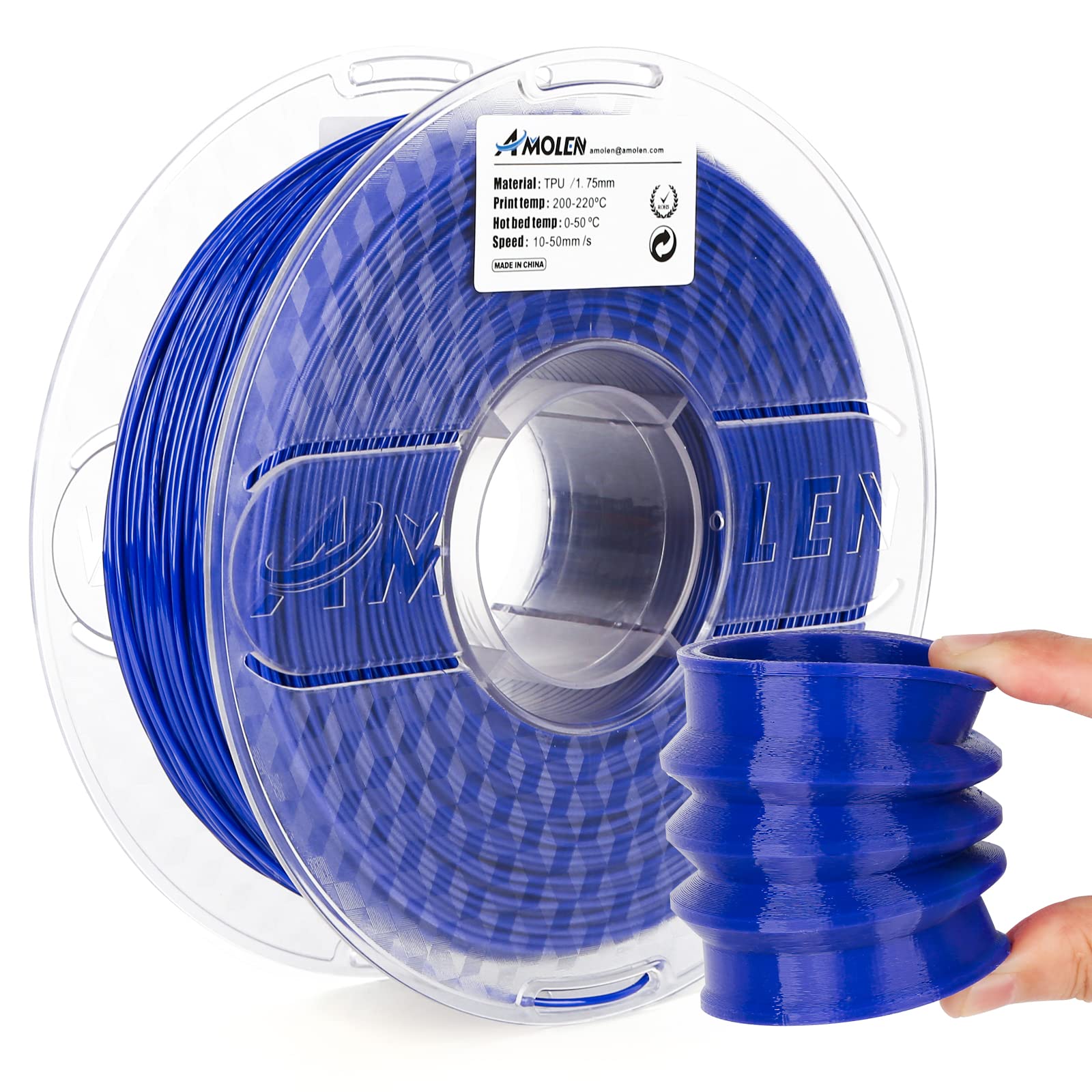
TPU filament produces rubber-like, flexible parts. The blue spool shown is a typical 95A hardness TPU.
What Is TPU?
TPU is a thermoplastic elastomer — a material that combines the elasticity of rubber with the processability of plastic. It melts when heated, solidifies when cooled, and can be re-melted multiple times (unlike silicone, which is thermoset and cannot be reprocessed).
The key property of TPU is its hardness, measured on the Shore A scale. Lower numbers are softer and more flexible; higher numbers are harder and more rigid.
| Shore Hardness | Feel | Typical Uses | Print Difficulty |
|---|---|---|---|
| 60A–70A | Very soft, rubber band-like | Gaskets, seals, soft grips | Very hard |
| 80A–90A | Soft, flexible | Phone cases, shoe insoles, toys | Moderate |
| 95A | Firm but flexible | Wheels, bumpers, tool handles | Easy |
| 98A–100A | Semi-rigid | Hinges, structural flex parts | Easy (similar to PETG) |
Most TPU filament sold to hobbyists is 95A. It is the sweet spot — flexible enough to be useful, rigid enough to print reliably. Softer TPU (85A and below) requires more careful setup and is not recommended for beginners.
TPU Properties
| Property | Value (95A TPU) |
|---|---|
| Tensile strength | 30–50 MPa |
| Elongation at break | 300–600% |
| Hardness | 95A Shore |
| Density | 1.2–1.3 g/cm³ |
| Glass transition temp | -40 to -20°C |
| Melting temp | 170–220°C |
| Chemical resistance | Good (oils, greases, solvents) |
| Abrasion resistance | Excellent |
| UV resistance | Moderate (additives improve) |
Direct Drive vs Bowden for TPU
This is the single most important factor in TPU printability.
Direct drive extruders mount the extruder motor directly on the print head, right above the hotend. The filament travels only 10–20 mm from the drive gear to the nozzle. This short path means flexible filament cannot buckle or wander — it goes straight into the melt zone. Direct drive is strongly recommended for TPU, especially 90A and softer.
Bowden extruders mount the motor on the printer frame and push filament through a PTFE tube (often 300–500 mm long) to the hotend. Rigid filament (PLA, PETG) slides through the tube easily. Flexible TPU can buckle inside the tube, causing under-extrusion, jams, and "spaghetti" inside the extruder housing.
Bowden setups can print TPU, but only 95A or harder, with slow retraction, and with careful tube routing (minimal bends, short length). If you have a Bowden printer and want to print TPU regularly, consider upgrading to a direct drive extruder ($30–80).
Optimal TPU Print Settings
| Setting | Recommended Value | Why |
|---|---|---|
| Nozzle temperature | 210–230°C | TPU melts at lower temp than PETG; too hot causes oozing |
| Bed temperature | 40–60°C | TPU sticks well to warm PEI or glass |
| Print speed | 20–40 mm/s | Slow down! Fast printing causes under-extrusion with flexibles |
| Cooling fan | 50–100% | TPU benefits from cooling; helps with bridging and overhangs |
| Retraction distance | 0.5–2 mm (direct) | Minimal retraction; too much causes jams |
| Retraction speed | 20–30 mm/s | Slow retraction prevents filament grinding |
| Layer height | 0.16–0.24 mm | Avoid very thin layers with flexibles |
| Infill | 10–20% | TPU is dense; less infill for soft parts |
| Wall count | 2–3 | More walls improve durability of flexible parts |
Common TPU Problems and Fixes
Stringing and Oozing
TPU oozes more than PLA because it stays molten longer. Stringing is common, especially with Bowden setups.
Fixes: Lower nozzle temperature by 5°C. Increase retraction slightly (up to 2 mm direct drive). Enable coasting. Reduce print speed. Use a direct drive extruder.
Under-Extrusion and Grinding
The extruder gear chews a groove into the TPU filament, and then it cannot push it anymore. This happens when the filament cannot feed fast enough — either because the print speed is too high, the nozzle is partially clogged, or the filament path has too much friction.
Fixes: Slow print speed to 20–30 mm/s. Check for a clogged nozzle (cold pull or needle clean). Ensure the PTFE tube is cut straight and seated fully. Loosen the extruder tension slightly — TPU is softer and can be crushed by overly tight tension. Use a direct drive extruder.
Bed Adhesion
TPU sticks well to PEI and textured beds, but can be tricky on glass. It also has a tendency to "curl" at the edges if the bed is too cold.
Fixes: Use a PEI build plate. Bed temp 50–60°C. Clean the bed with IPA. Use a brim or raft for large parts. Avoid hairspray or glue stick — TPU can fuse to these adhesives and be hard to remove.
Poor Layer Bonding
Flexible parts can delaminate if the nozzle is too cold or the fan is too high. TPU needs enough heat to fuse between layers.
Fixes: Increase nozzle temp to 220–230°C. Reduce fan to 50% for the first few layers. Ensure the print speed is slow enough that the filament fully melts.
Drying TPU
TPU is hygroscopic — it absorbs moisture. Wet TPU pops and crackles while printing, produces bubbly surface finish, and has reduced layer bonding. If your spool has been open for more than 2–3 weeks, dry it.
Dry at 45–55°C for 4–6 hours. Do not exceed 60°C — TPU can start to soften and deform on the spool. Store in an airtight container with desiccant after drying.
Best TPU Filament Brands
Budget: SUNLU TPU, eSUN eTPU, Overture TPU — $20–28/kg. Good quality, 95A hardness. eSUN's eTPU is particularly consistent.
Mid-range: Hatchbox TPU, Polymaker PolyFlex TPU, Prusament TPU — $28–40/kg. Better diameter tolerance, less moisture absorption, more color options.
Premium: Bambu Lab TPU 95A, Fillamentum Flexfill, NinjaTek Cheetah — $35–50/kg. Engineered for specific printers, excellent flow characteristics, minimal stringing. NinjaTek offers a range of hardnesses from 95A down to 60A.
TPU Hardness Selection Guide
Choosing the right Shore hardness is critical — a 60A part and a 95A part behave like completely different materials. Use this guide:
| Hardness | Feel Comparison | Best Applications | Print Difficulty |
|---|---|---|---|
| 60A–70A | Rubber band, eraser | Seals, gaskets, soft grips, stress balls | Very hard (direct drive only) |
| 80A–85A | Shoe sole, watch strap | Phone cases, shoe insoles, flexible hinges | Hard (direct drive recommended) |
| 90A–95A | Car tire, flip-flop | Wheels, bumpers, tool handles, drone parts | Moderate (direct drive or good Bowden) |
| 98A–100A | Hard rubber, skate wheel | Structural flex parts, gears, hinges | Easy (similar to PETG) |
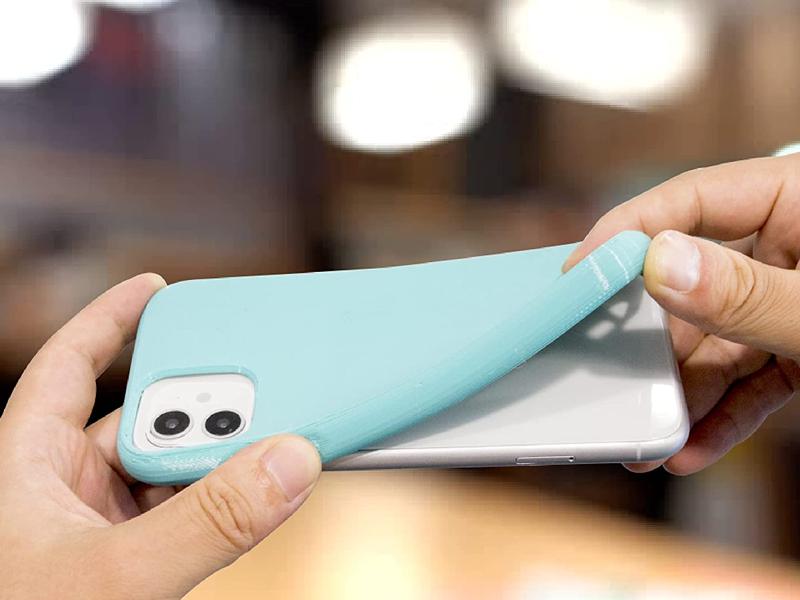
A flexible TPU phone case demonstrates the material's elasticity. 90A–95A TPU is the standard for phone cases and protective covers.
When in doubt, start with 95A. It is the easiest to print, the most versatile, and covers 80% of flexible printing use cases. Only move to softer grades once you have mastered 95A and specifically need more flexibility.
TPU Post-Processing and Finishing
TPU requires different post-processing than rigid filaments:
Sanding: TPU is difficult to sand because it is soft and flexible — the material gives way instead of cutting. Use very sharp sandpaper (new 200–400 grit) and light pressure. A rotary tool with a sanding drum works better than hand sanding.
Cutting and trimming: Use a sharp hobby knife or flush cutters. Dull blades tear TPU rather than cutting it. Heat the blade slightly for cleaner cuts on thick parts.
Glue and assembly: Super glue (cyanoacrylate) works on TPU but the bond is not as strong as on PLA. For flexible joints, consider mechanical fasteners (screws, press fits) instead of glue. Some TPU-specific adhesives exist but are hard to find.
Painting: TPU does not hold paint well because it flexes — the paint cracks when the part bends. If you need color, print in colored TPU rather than painting white TPU. If painting is necessary, use a flexible paint (like vinyl paint or Plasti Dip) designed to move with the substrate.
Support removal: TPU supports are harder to remove than PLA supports because they flex. Use a lower support density (5–10%) and larger support Z distance (0.3 mm) for easier removal. Soluble support (PVA) works well with TPU if you have a dual-extrusion printer.
What to Print with TPU
- Phone cases and covers — 95A TPU is the standard material for flexible phone cases
- Gaskets and seals — 80A–90A for soft, compressible seals
- Wheels and rollers — 95A for durable, grippy wheels (3D printer filament feeder wheels, robot wheels)
- Tool handles and grips — 90A–95A for ergonomic, non-slip handles
- Shoe insoles and orthotics — 80A–90A for cushioning
- Toys and fidget items — flexible joints, squishy toys
- Bumpers and protective cases — for electronics, drones, cameras
- Hinges and living hinges — 95A can print functional hinges that flex thousands of times