Operator's guide · Compiled from US and EU seller, cost and compliance sources · September 2026
A reliable desktop printer costs $200 to $500 in 2026, and the marketing makes starting a print shop sound almost automatic: buy the machine, list a few items, watch orders roll in. The hardware really is that good now. The business is not. Most of the small shops that quietly fold do not lose to a broken printer. They lose to pricing that ignores real costs, an intellectual-property claim they never saw coming, compliance paperwork they assumed did not apply to a hobby-scale seller, and a workload that turns out to be a second job. This guide walks through the eight traps that show up most often in this year's US and European seller accounts, each paired with the moves that actually keep a shop alive.
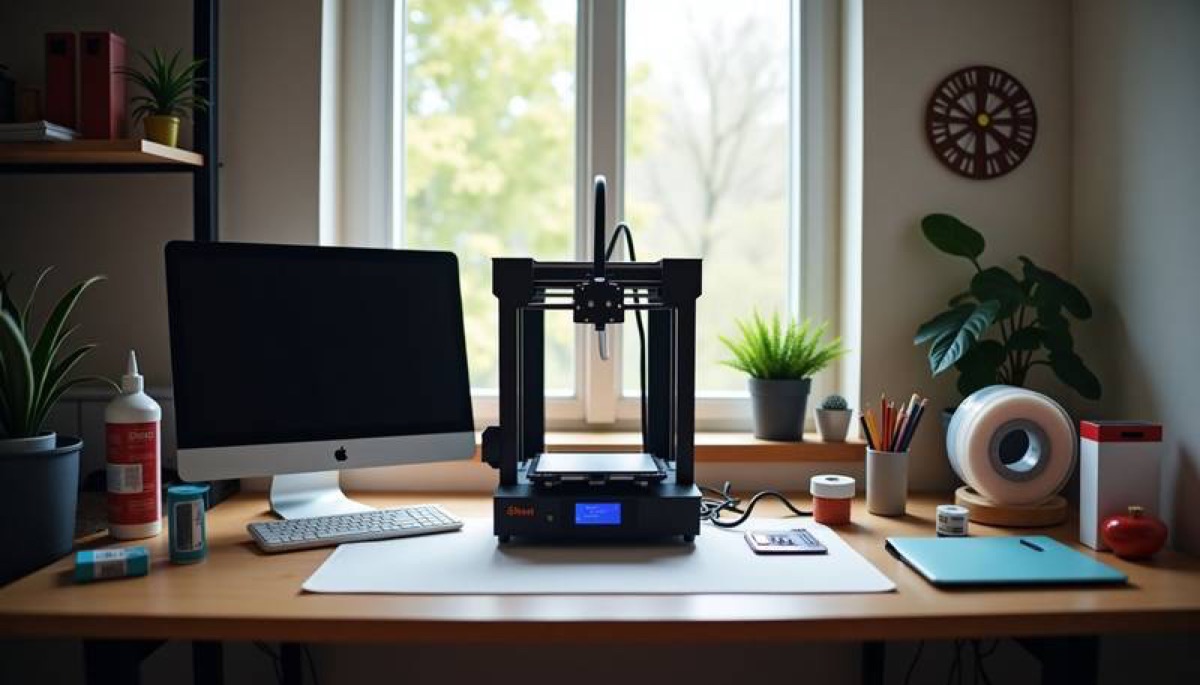
You print what everyone else can print
The cheapest lesson in this business is that a public STL file gives you no edge at all. If the model is free on MakerWorld or Thingiverse, a few thousand other people own the same inventory. LayerMath's May 2026 breakdown is blunt about it: sellers running public files have a competitive moat of zero, because someone undercuts you within weeks. Their example is hard to unsee — articulated dragons that sold for £14 in 2023 were going for £4.50 in 2026. You are now bidding against other Etsy shops, free downloads, and AliExpress listings that injection-mold the same shape for pennies. Racing that market to the bottom is a choice, not an accident.
- Pick one narrow audience and serve it hard — replacement clips for one appliance line, organizers for one hobby, terrain for one tabletop system. Specificity is the only thing a drop-shipper can't copy overnight.
- Sell what you designed or hold a clean commercial license for; original or licensed work is where pricing power lives.
- Add a service AliExpress can't: custom sizing, engraved text, local pickup, or a functional part you test-fit before listing.
- Before you commit to a product, search it on Etsy, Amazon, AliExpress and MakerWorld. If page one is already saturated with the identical item, keep looking.
You price off the spool instead of the business
"It only used $1 of filament" is the sentence that loses the most money in this industry. The spool is one line of the cost sheet. A defensible per-part cost stacks material (with a roughly 10% waste buffer), electricity, machine depreciation, failed prints, packaging and your own hands-on time. Failure is not free: a tuned machine still wastes 3–8% of runs across a year, and new operators run 8–12% while learning; cost guides divide base cost by (1 minus failure rate) so successful prints cover the failed ones. Depreciation is real too — a $399 printer worn out over 4,000–5,000 running hours costs about $0.08–0.10 an hour. Electricity looks tiny per job (an 8-hour FDM print is often $0.15–0.30, a full 24-hour run around $0.60–1.10 at US rates) but it compounds across a fleet.
Then the platforms take their cut. As of 2026, Etsy charges a $0.20 listing fee, a 6.5% transaction fee on price plus shipping, and roughly 3% + $0.25 for US payment processing — and Offsite Ads add another 15% for shops under $10k (optional) or a mandatory, lifetime 12% once you cross $10k, capped at $100 per order. Amazon Handmade takes a 15% referral fee (or $0.30, whichever is larger). On a $28 Etsy sale the transaction fee alone is $1.82 before anything else. Sellers who skip this math discover the gap between revenue and take-home months too late.
This is exactly why every founder in this business needs a cost calculator before the first listing ever goes live — not a mental estimate, not a guess off the spool, but one spreadsheet that prices every part the same way. It does not have to be fancy. A single Google Sheets or Excel tab with one row per product and the right columns is enough: grams of material and what the spool costs per gram, print hours, power at your local electricity rate, machine depreciation per hour, a failure buffer, packaging and label cost, your hands-on minutes times an hourly wage, then the exact listing, payment and ad fees for the channel and the markup you need to grow. Finish with two columns you actually look at — the lowest price that breaks even after every fee, and your target price. Ten seconds in that sheet tells you whether a design is a real product or an expensive hobby.

- Build the cost calculator first and run every single listing through it: material + power + depreciation + failure buffer + packaging + (labor minutes × your hourly rate), apply your markup, then subtract platform fees. If it does not clear your target hourly wage, redesign or reprice — never price to filament alone.
- Pay yourself an hourly rate in the calculation. If your loaded labor target is $20/hour and a part needs 10 minutes of support removal and packing, that is $3.33 before material.
- Track prints started versus finished every month; a rising failure rate is a maintenance signal, not a cost to absorb.
- Model the Offsite Ads fee before you scale a listing, and decide your Etsy ad status deliberately rather than discovering a 12–15% charge after the sale.
You treat someone else's IP as inventory
This is the fastest way to lose a shop, and the one newcomers underestimate most. Printing Pokémon, Disney, Marvel, Star Wars or Warhammer characters is copyright and trademark infringement no matter how many other stores do it, and "fan art," "inspired by," recoloring, or adding a buyer's name does not create an exception. In the US, statutory damages can reach $150,000 per infringed work. The enforcement mechanics make it worse: rights holders run bulk sweeps, and a single brand can file several complaints against one shop at once. Etsy's ladder runs from listing removal to account review to permanent suspension — and it commonly holds back the money in your payment account when it closes you. A Patreon "merchant tier" does not protect you if the underlying character belongs to a major brand; you are licensing from someone who did not own it. Games Workshop's 2021 sweep pulled 200-plus models from Cults3D and exposed the people printing those files alongside the designers.
Bought STLs carry their own rules. A non-commercial or "NC" Creative Commons file can never be sold, editing or scaling a model does not wipe the original author's rights, and re-uploading or reselling the file itself is banned under essentially every commercial license that exists.
- Default to your own designs or models whose commercial license you have read and saved — keep the license text, date and source URL on file for every design you sell.
- Keep protected names, logos and character silhouettes out of titles, tags and shapes; a Mickey-shaped cookie cutter is as infringing as a Mickey figurine.
- Never assume "everyone else sells it" means it is allowed — it usually means the sweep has not reached those shops yet.
- If you want to sell licensed work, get the license in writing from the party that actually owns the rights, not from a reseller.
You build the whole business on rented land
Marketplaces deliver traffic, which is why everyone starts there, but they also set the rules and hold the money. Two specific 2026 realities catch sellers off guard. First, once an Etsy shop passes $10,000 in trailing sales, the 12% Offsite Ads fee becomes mandatory and permanent — you cannot opt out, even if your sales later fall. Second, platforms prohibit steering buyers off-marketplace: pointing customers to your own site, in messages or via a QR code, violates Etsy and Amazon rules. When an account is suspended for an IP claim, a policy violation, or a payment review, both the storefront and the cash in it can freeze at the same time, and you have no customer list to fall back on.
- Treat marketplaces as acquisition channels, not the whole business: from day one, collect opted-in emails and build a simple standalone site (Shopify runs about $39/month plus 2.9% + $0.30 per charge).
- Run at least two sales channels — for example Etsy plus local B2B, or Amazon Handmade plus your own site — so one suspension is not a shutdown.
- Keep enough cash outside the platform to survive a multi-week payment reserve; do not spend pending balances before they clear.
- Read the marketplace's seller policies once a quarter; fee and off-platform rules change, and "I didn't know" is not a defense they accept.
You assume the legal, tax and safety paperwork does not apply to you
A hobby-scale seller is still a business the moment a sale happens, and 2026 raises the bar on both sides of the Atlantic.
United States. Marketplaces such as Etsy and Amazon collect sales tax for you in marketplace-facilitator states, but a standalone Shopify store does not, and crossing a state's economic-nexus threshold (commonly $100,000 in sales or 200 transactions a year) can require you to register and file there yourself. Forming an LLC separates your personal assets from the business once revenue is meaningful, and a standard homeowners policy generally does not cover business activity — you need product-liability coverage. Product category drives the heaviest rules: anything marketed for children 12 and under falls under the CPSIA and needs third-party lab testing plus a Children's Product Certificate, with penalties that can reach $120,000 per violation. "Food-safe" PLA is another trap — layer lines harbor bacteria and a bare FDM print is not genuinely food-contact safe without the right material, testing and finishing. Anything electrical, load-bearing, or worn as PPE carries its own liability.
European Union and United Kingdom. The EU's General Product Safety Regulation has required a named EU-established responsible person on listings since December 2024. A second, bigger change lands December 9, 2026: the revised Product Liability Directive (2024/2853) names six liable parties — manufacturer, importer, authorized representative, fulfillment provider, distributor and platform — and they can be pursued jointly. Selling a product under your own brand makes you the manufacturer under this law, with technical files, risk assessments and declarations a court can order you to disclose, and recoverable damage now includes data loss and recognized psychological harm. Post-Brexit Britain uses UKCA marking, with especially strict rules for toys, electrical goods, PPE and items for children under 14.
- Start in low-risk categories — home décor, desk organizers, non-load-bearing brackets — and treat children's, electrical, food-contact and safety items as "study the rules first," not first products.
- US: separate personal and business finances, register where you hit nexus, and get a product-liability quote before volume grows.
- EU/UK: appoint the required responsible person, build a real technical file, and put your business name and contact details on every listing before you scale into Europe.
- Keep batch records (filament lot, settings, date) so a defect claim can be traced instead of guessed at.
You buy five printers before one has earned its keep
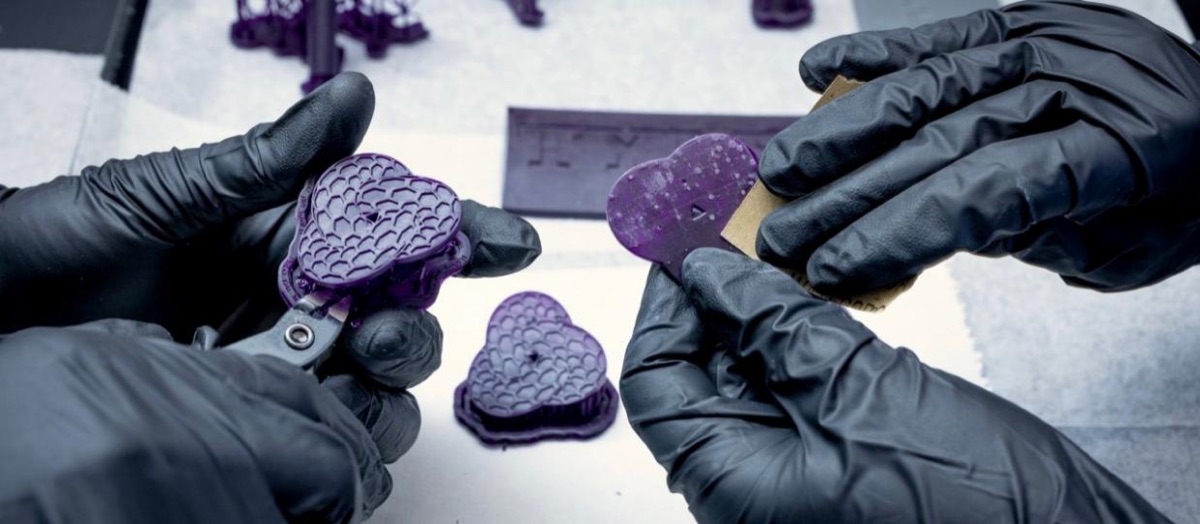
More machines do not multiply a flawed business; they multiply its problems. The operator literature keeps placing the same inflection point around five printers, where manual job queues break down: jobs get mixed, machines sit idle between runs, and the wrong spool lands on the wrong machine. The real ceiling is rarely printing — it is post-processing. Industry survey data has post-processing eating close to half of total additive-manufacturing cost, and the 2026 Post-Processing survey finds over two-thirds of operators citing finishing time and consistency as their top challenges. Support removal, sanding, inspection and packing are hands-on work a second printer does not fix. LayerDepth puts one machine running 18 hours a day at roughly $2,000–4,000 a month in revenue for typical Etsy products; two printers add $30–90 a month in power and $150–400 a month in filament before they add a dollar of profit. There is also a physical trap: heating many beds and nozzles at the same instant can trip a household circuit, which is why farms stagger preheating.
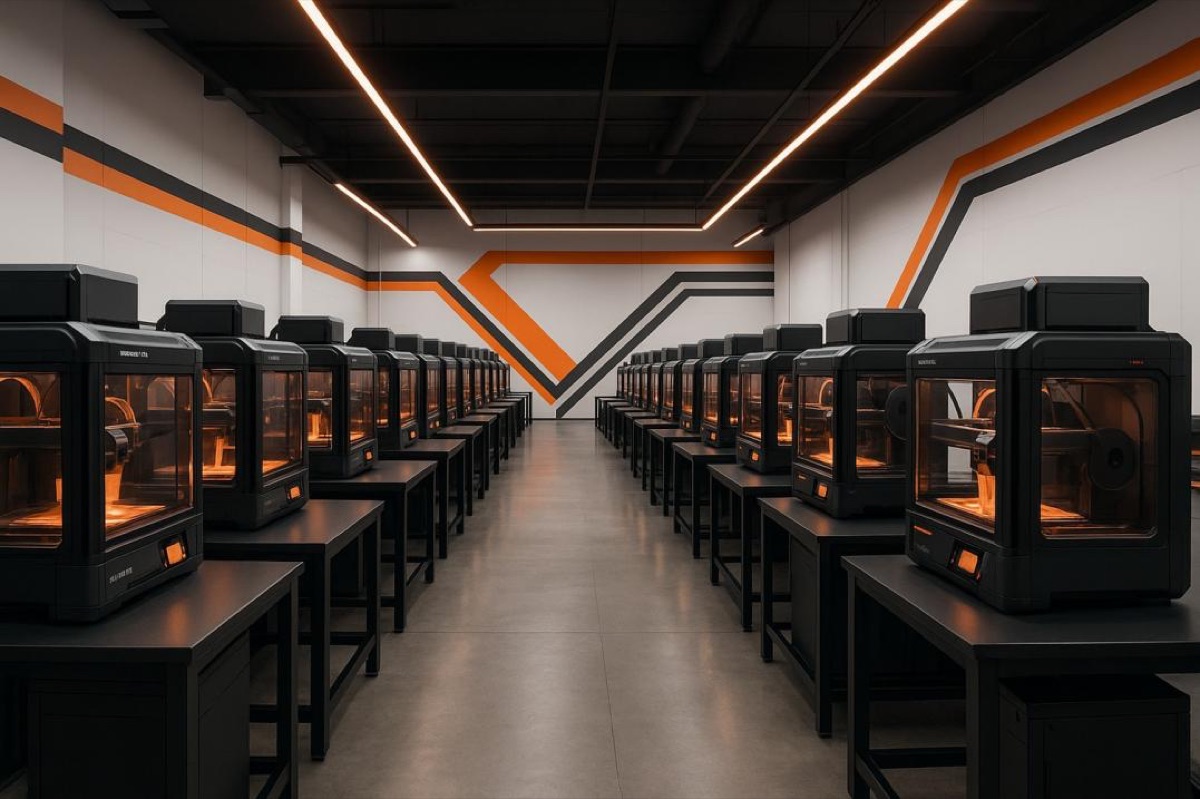
Resin changes the safety equation entirely. Without ventilation, a small room can exceed safe VOC limits by 3–5 times, and washing parts in isopropyl alcohol has measured total VOCs as high as 36.8 mg/m³; contaminated IPA is hazardous waste that cannot go down a drain, and commercial disposal runs $200–500 a month at volume. Built-in carbon filters and desk air purifiers reduce odor but do not replace direct exhaust to the outside.
- Prove one product is profitable on one printer — full loaded cost, real demand, repeat orders — before you buy a second.
- Fix the downstream bottleneck first: standardize support removal and packing before adding capacity, or every new machine just feeds the jam.
- When you scale, standardize on one printer model so spare parts, profiles and maintenance are interchangeable; reliability beats peak speed in a fleet.
- For resin, plan direct exhaust ventilation (roughly 6–10 air changes per hour), nitrile gloves and eye protection, and a UV-cure-then-dispose waste routine before the first sale.
You believed the "passive income" edit
The printer runs unattended; the business does not. Beyond post-processing, every order carries listing photos, SEO tags, customer messages, slicing, quality checks, packing, trips to the carrier, returns and the occasional reprint. Functional parts have to actually function — a bracket that cracks or a mount that does not fit generates refunds and reviews that cost far more than the part. Returns and replacements may run only 1–2% of orders, but each one is a full reprint plus shipping plus your time. The short-video version of this business edits all of that out.
- Batch the non-printing work — shoot photos for several listings at once, answer messages in set windows, pack in one daily block — so task-switching does not eat the day.
- Prototype and fit-test anything you will sell repeatedly; one verified functional mount prevents a wave of returns.
- Set a written review checkpoint (for example at 90 days): revenue, true hourly wage after all costs, and whether the model can scale. If the answer is a low hourly wage with no scale path, that is a signal to change niche or model, not to buy more hardware.
You ignore the 2026 macro picture
Two big currents are reshaping the ground under small sellers. Chinese manufacturers now supply over 90% of consumer-printer shipments, with Bambu Lab holding roughly 37% of the entry-level market, and China's printer exports surged around 90% in the first half of 2026. That keeps hardware wonderfully cheap for you — and arms every competitor with the same cheap tools. At the same time, US–China tariffs have widened the landed-price gap between direct imports and regionally stocked goods, pushing the whole industry toward a "China-plus-one" supply posture. For a small shop this means two things: the cost of entry (and thus the crowd) keeps growing, and betting on one filament source or one landed price is a risk as duties move.
- Compete on design, niche knowledge and service — the things cheap printers do not give your competitors — rather than on having a printer at all, because everyone has one.
- Qualify a second filament supplier (ideally a regional one) so a tariff swing or stockout does not stall your bestseller.
- Re-price quarterly against current machine and material costs instead of locking in last year's margins.
A 30-Day Pre-Launch Checklist
- One narrow, researched niche with original or license-clean designs, and a saved license file for every model.
- A working cost-calculator spreadsheet you actually open before every listing — material + 10% waste, power, depreciation, an 8–12% beginner failure buffer, packaging, your hourly labor, and the platform's full fee stack, with separate break-even and target-price columns.
- A price that survives the full fee stack of your platform (Etsy 6.5% + 3% + $0.25 + possible 12–15% ad fee; Amazon Handmade 15%).
- No protected characters, logos, brand names or silhouettes anywhere in products, titles or tags.
- A second sales channel and a way to collect customers you own (email list or standalone site).
- US: business banking, nexus/registration status checked, product-liability insurance quoted, and any kids', electrical or food-contact item cleared in advance. EU/UK: responsible person appointed, technical file started, seller identity shown on listings.
- One proven, reliable machine; a documented post-processing and packing flow; and for resin, direct ventilation plus a legal waste routine.
- A 90-day review metric: true hourly wage after every cost, not gross revenue.
The pattern behind every trap on this list is the same. The printer is the means of production, not the business. In 2026, the operators who last are not the ones with the most machines — they are the ones who picked a specific audience, did honest arithmetic, kept their IP and compliance clean, and treated the shop like the small manufacturer it is. Get those four right and cheap, capable hardware becomes a genuine advantage. Skip them and even a flawless printer will not save you.